What?
Adding comments from Bluesky to Quartz self-hosted Obsidian.MD blog pages, digital gardens.
E.g.
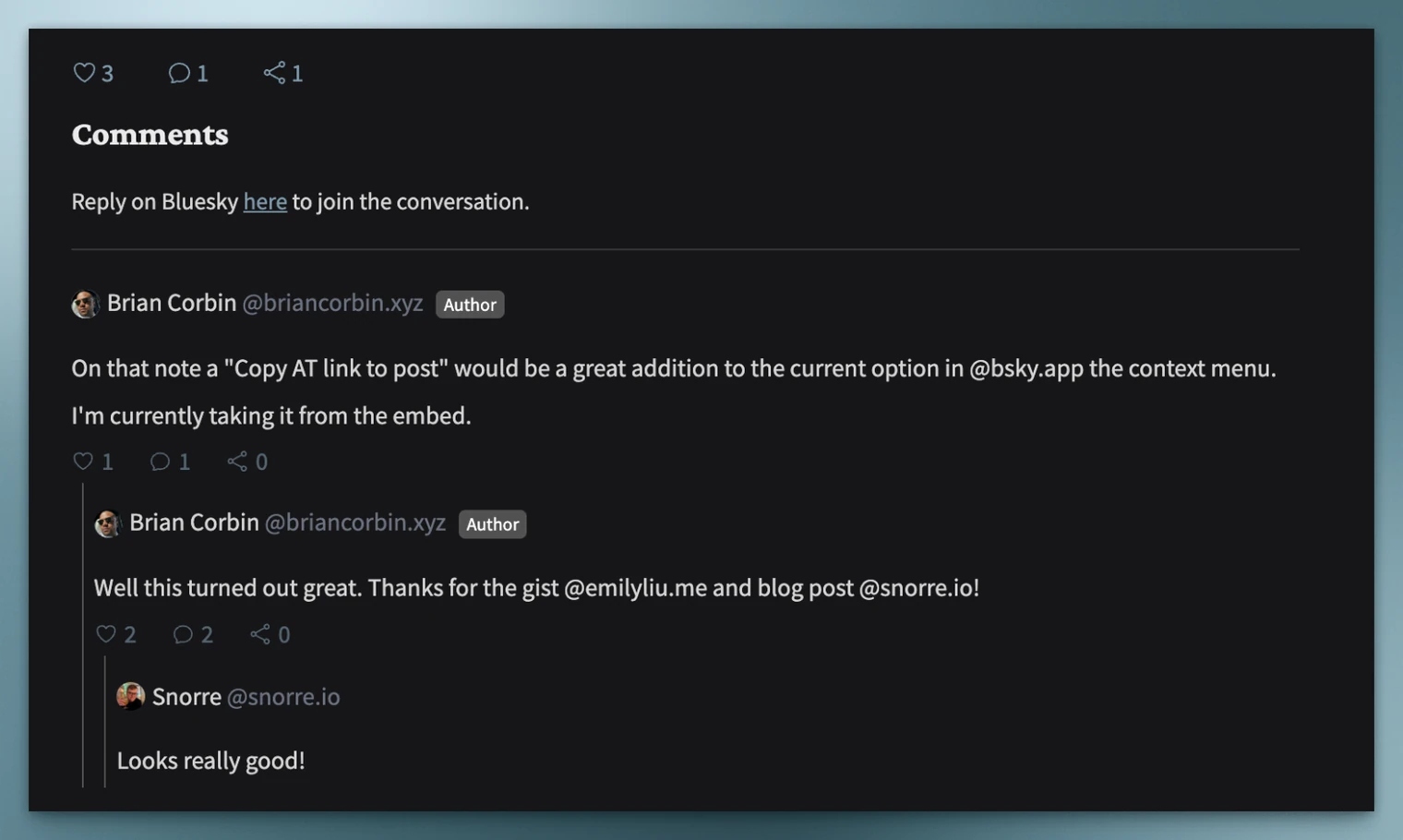
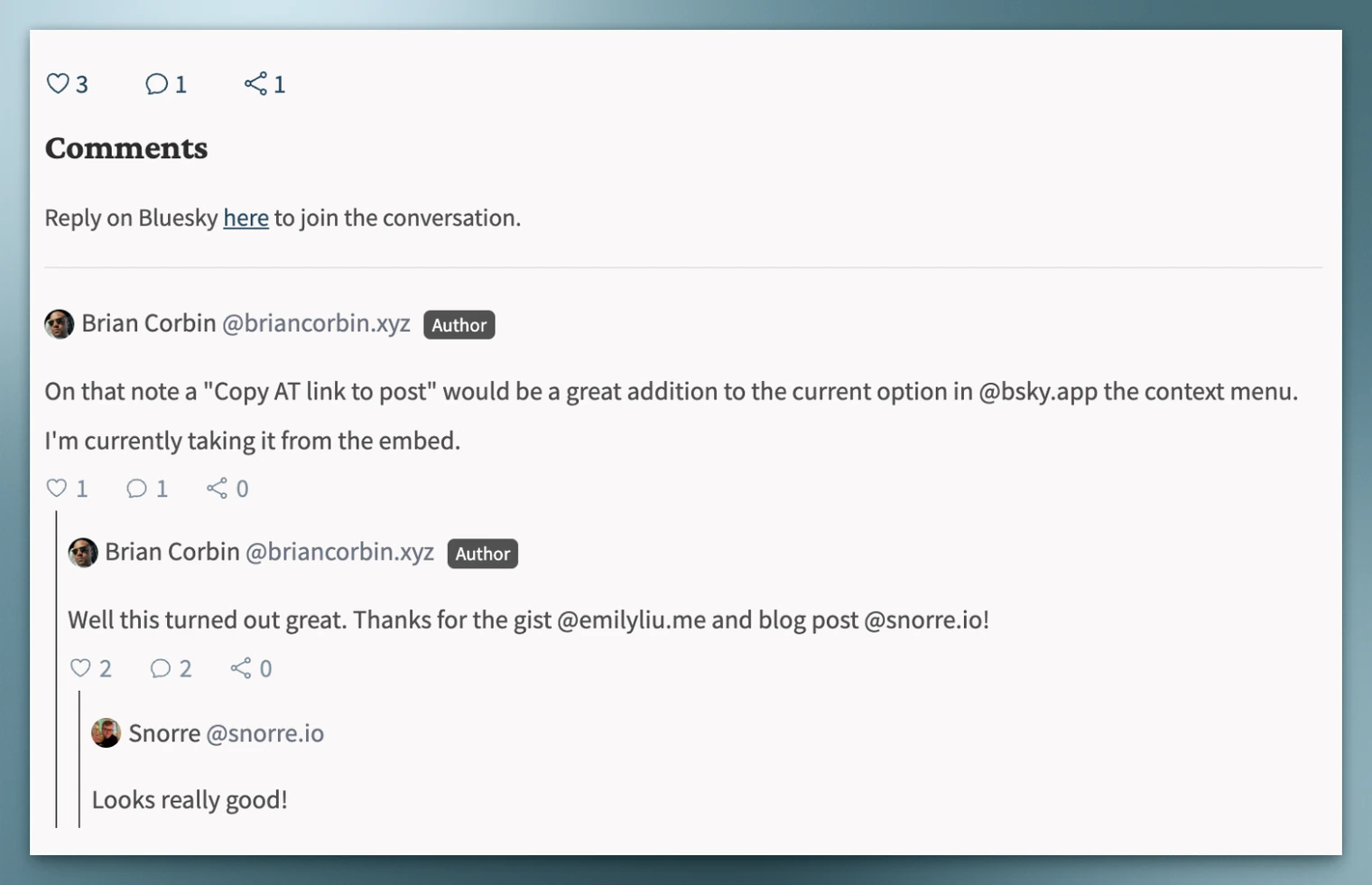
Why?
Embracing the open web and enhancing your blog site with comments from others based on an open standard - Authenticated Transfer Protocol: atproto.
How?
-
For Quartz, in order to add a non-standard feature we need to create a new component. Per the guide this requires at least 3 new files:
components/Comments.tsx: The component viewcomponents/styles/comments.scss: The component style sheet (in scss) as quartz doesn’t use Tailwindcomponents/scripts/comments.inline.ts: The client-side script (since quartz doesn’t use React but registers scripts which it adds to the page)
For our comments system, I’ve called the Component
Comments, and the corresponding files can be found in the gists here: Bluesky Comments Component for Quartz -
Register your component with the system by editing
index.tsand addingCommentsto the list of components, e.g.export { ArticleTitle, Content, TagContent, FolderContent, Darkmode, Head, PageTitle, ContentMeta, Spacer, TableOfContents, Explorer, TagList, Graph, Backlinks, Search, Footer, DesktopOnly, MobileOnly, RecentNotes, NotFound, Breadcrumbs, Comments, } -
Update
quartz.layout.tsto include your new componentComponent.Comments()wherever you would like on your page. -
For any page you want to include comments in, simply grab the
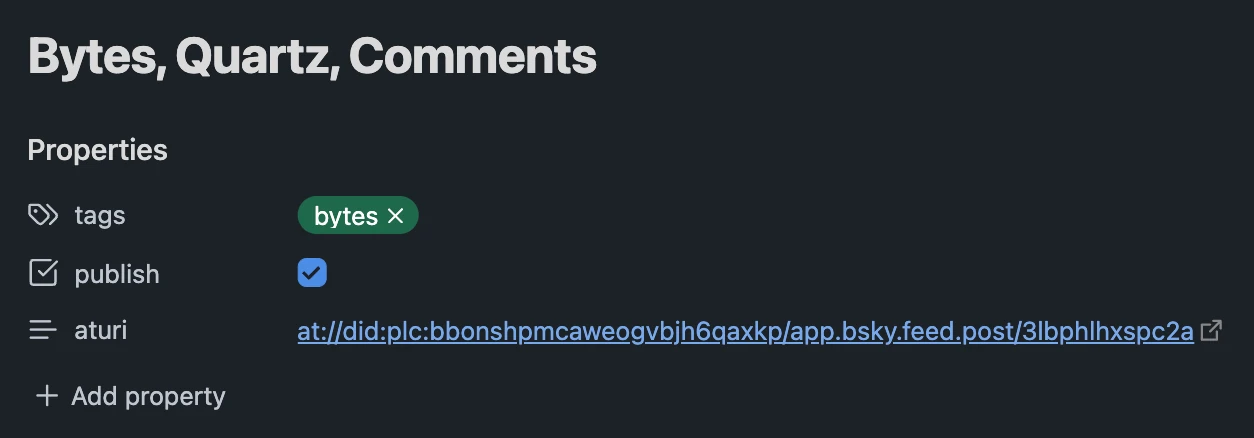
at://link to the post from Bluesky (you can grab it from “Embed Post” in the context menu of a post), then add abluesky-uri(oraturi) property to your page in the Frontmatter., et voila.
Comments
Reply on Bluesky here to join the conversation.