What?
Use Python scripts and formulas directly in Excel
Why?
Brings the power of Python analytics into Excel — process data in Excel using Python code running in the cloud with external library support using anaconda.
How?
Use the formula:
=PY()
e.g.
Hello, World
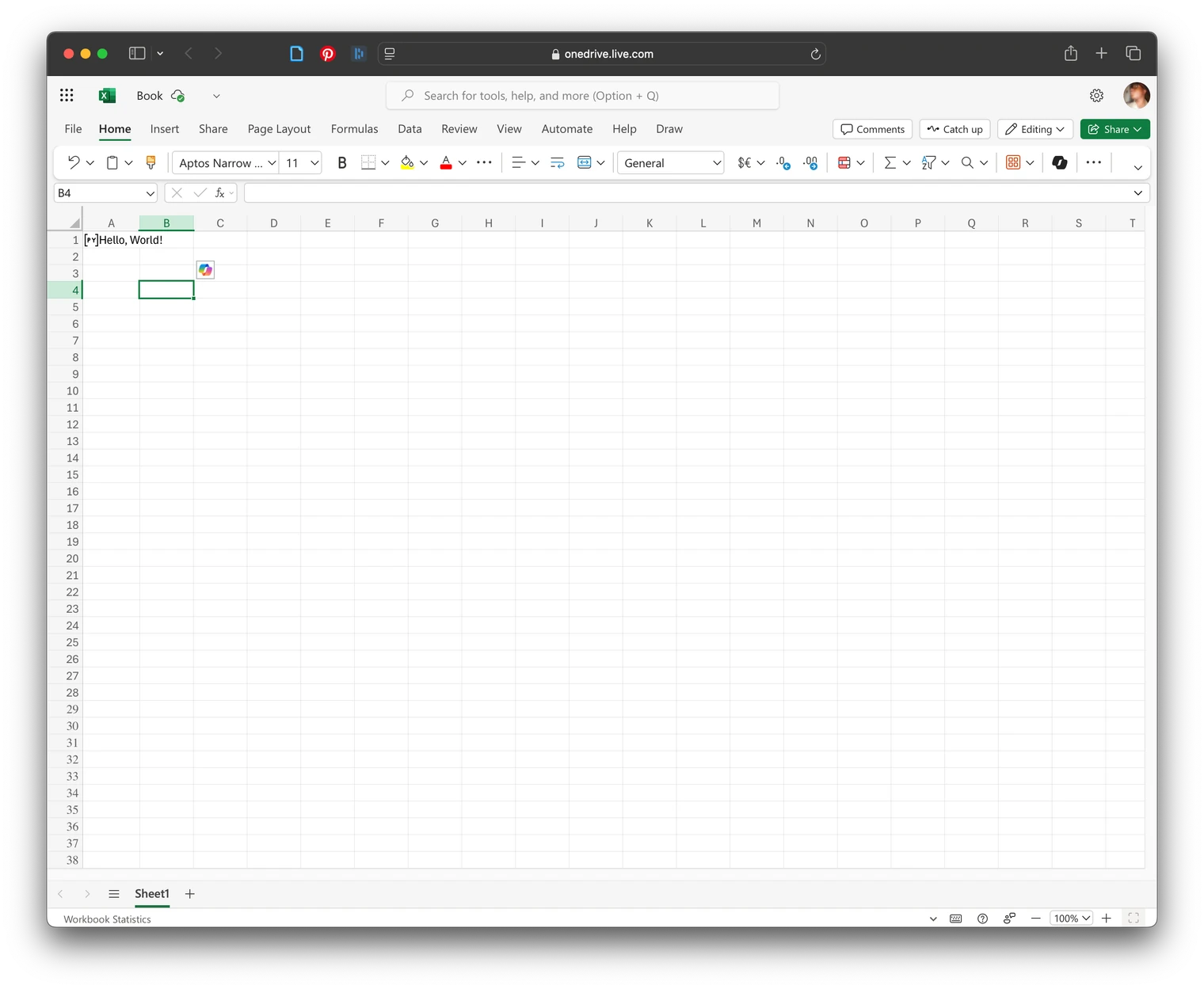
=PY("Hello, World")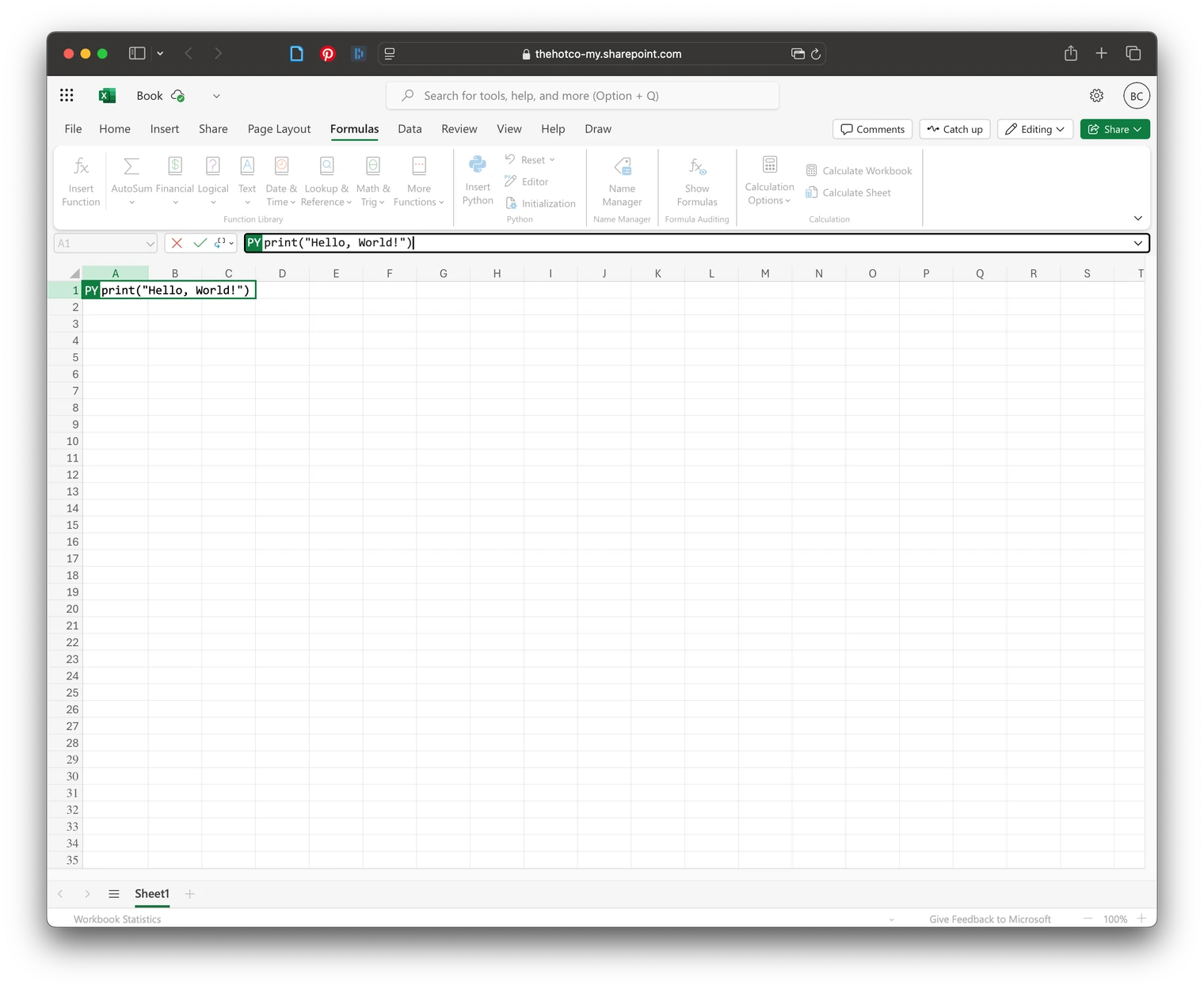
![warning]- If there is a message “BLOCKED!” it could be due to your organizational settings See Also: How to correct a BLOCKED error
Scripts
Scripts have to be directly embedded as the local file system can’t be referenced and files won’t be uploaded to be run on the cloud.
e.g. in a
=PY(
exec(xl("A1"))
func()
)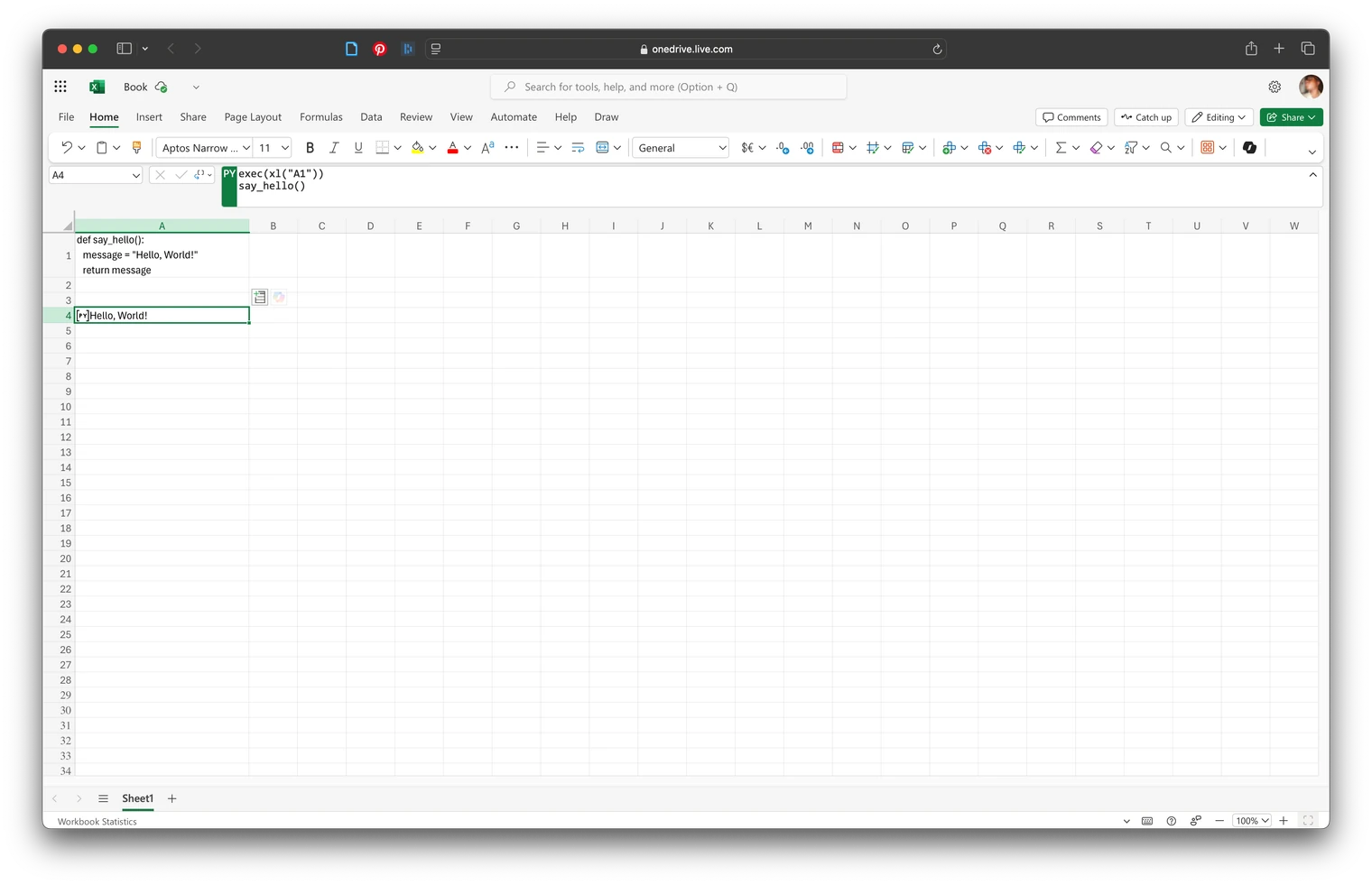 Note: updating the value of
 A1 in this example will cause a recalculation.
References
Default Imports
import matplotlib.pyplot as plt

import numpy as np

import pandas as pd

import seaborn as sns

import statsmodels as sm
For additional libraries available for via anaconda import see: here.